VLLO
Photography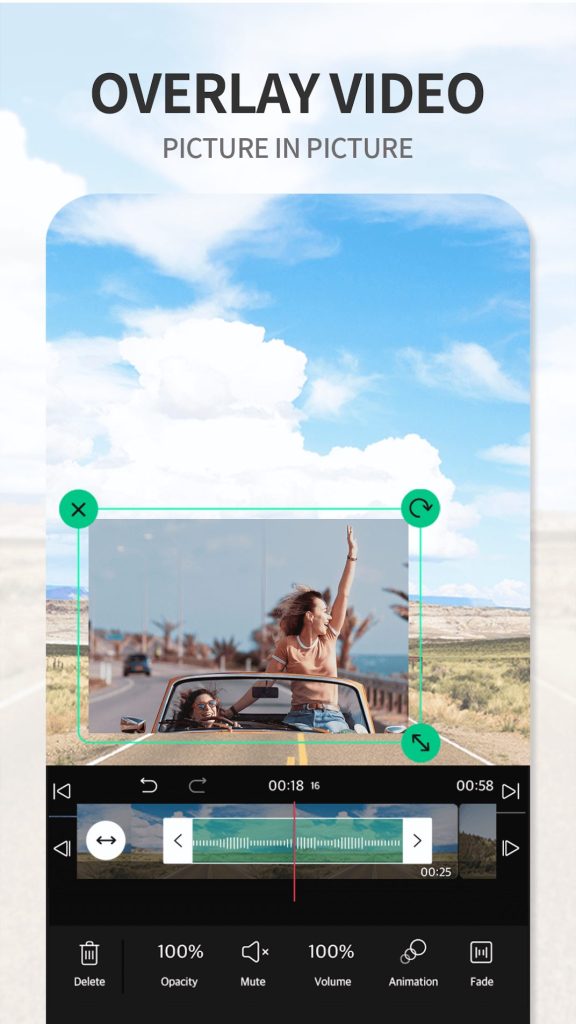
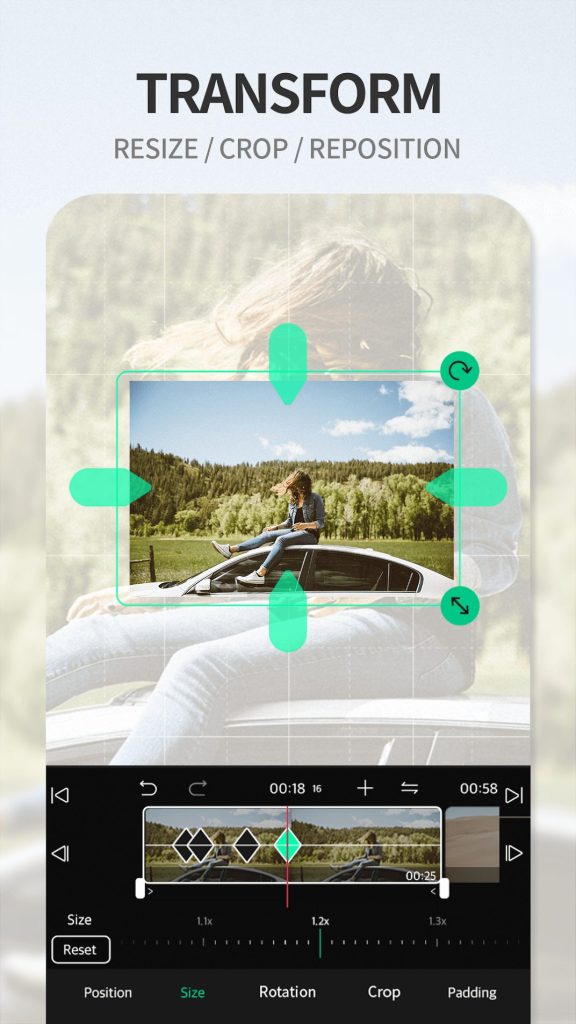
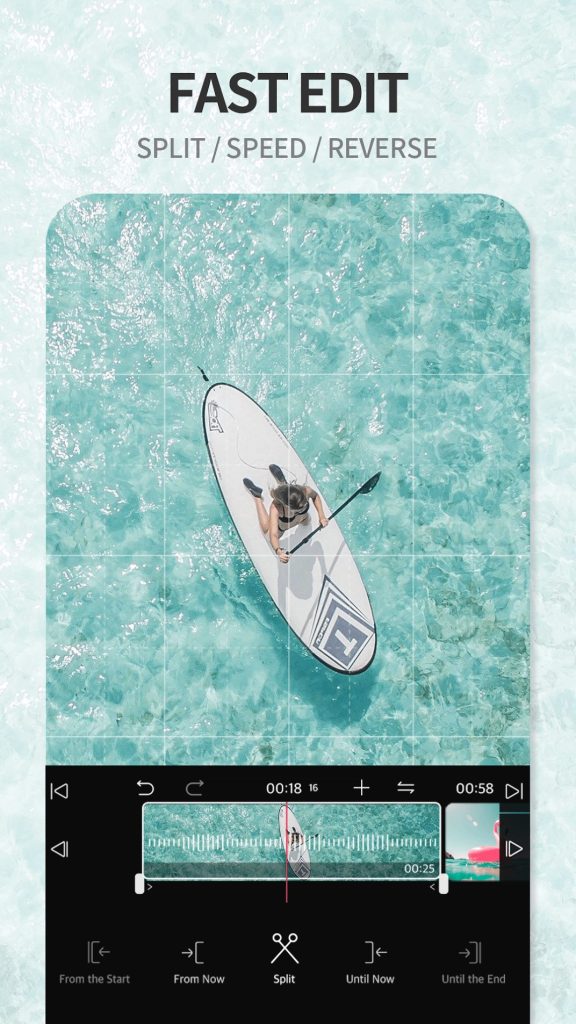

VLLO is a video editing app for Android that balances a rich feature set with an intuitive interface. It lets you trim clips, add transitions, overlay text, insert music, and export videos in high resolution—all from your phone.
This page provides the latest official APK version, a quick overview of its capabilities, installation guidance, and practical tips for safe use.
Quick Information
| App/Game Name | VLLO |
| Latest Version | 10.6.6 |
| Developer | Not listed |
| Category | Apps / Photography |
| App Size | 105 MB |
| Package Name | com.darinsoft.vimo |
| Last Updated | 19 September 2024 |
What Is VLLO?
VLLO offers a suite of editing tools aimed at both casual creators and more experienced users. Core features include timeline editing, multi‑track audio, speed control, filters, and a library of royalty‑free music. The app is designed for users who want quick results without a steep learning curve.
Because the build is the official release (not a modified version), all features work as intended by the original developer. However, some advanced options may require an in‑app purchase or subscription.
Compatibility
| Android Version | ✓ Verified — 6.0 and up |
| Architecture (ARM64 / 32-bit) | Not Verified |
| Internet Connection | ✓ Verified — May be required for ads, updates, or login |
| Storage Needed | Not Verified |
| OBB/Data Files | Not Verified |
| Root Required | Not Verified |
How to Install
- Download the VLLO APK file to your Android device.
- Before installing, go to Settings → Security → Install unknown apps and enable the permission for the browser or file manager you used.
- Tap the downloaded APK and follow the on‑screen prompts to complete the installation.
- Once installed, open VLLO and grant any requested permissions (storage, microphone, etc.) to start editing.
Troubleshooting
- App not installed: Ensure the APK matches your device’s architecture (ARM/ARM64) and that you have enough free storage.
- Crashes on startup: Clear the app cache via Settings → Apps → VLLO → Storage → Clear cache and restart the app.
- Features locked: Some premium tools require a subscription; check the in‑app store for activation.
- Export failures: Verify that you have sufficient storage space for the output file and that the device isn’t in battery‑saving mode.
Safety & Security
VLLO is an official APK, but as with any third‑party download, verify the file’s integrity before installing. Check the file’s hash against a trusted source if possible, and review the permissions the app requests. Avoid entering sensitive personal data unless you are certain the app is from a reputable source. Keep the app updated to receive security patches and new features.
How VLLO Compares
| Feature | VLLO | InShot | KineMaster | Adobe Premiere Rush |
|---|---|---|---|---|
| Price / Free Model | Free with optional subscription for premium assets | Free with ads; premium subscription available | Free trial; subscription for full feature set | Free starter plan; subscription for advanced tools |
| Platform Availability | Android | Android, iOS | Android, iOS, Windows, macOS | Android, iOS, Windows, macOS |
| Standout Feature | Simple timeline with rich filters and royalty‑free music | Quick social‑media cuts and collage maker | Multi‑layer editing with keyframe animation | Adobe ecosystem integration and cloud sync |
| Best For | Users who want a balance of power and ease of use | Casual creators focused on Instagram/TikTok | More advanced editors needing precise control | Creators already using Adobe tools who need cross‑device workflow |
Alternatives
If VLLO doesn’t fit your workflow, consider these well‑known video editors:
- InShot – A fast, social‑media‑oriented editor with stickers, text, and simple trimming.
- KineMaster – Offers multi‑track editing, chroma key, and detailed control for more complex projects.
- Adobe Premiere Rush – Integrates with Creative Cloud, providing cloud sync and professional‑grade export options.
Final Verdict
VLLO delivers a solid mix of usability and editing power for Android users who want to create polished videos without a steep learning curve. It’s suitable for casual creators and small‑scale projects, though some premium assets require a subscription. Verify the APK’s source, grant only necessary permissions, and keep the app updated for the best experience.
Frequently Asked Questions
Yes, as long as you download the APK from a reputable source and verify its integrity, VLLO is safe to install.
VLLO runs on Android 6.0 (Marshmallow) and newer, but newer versions provide a smoother experience.
An internet connection is only required for downloading additional assets or syncing with a cloud account; editing itself works offline.
VLLO supports high‑resolution exports, including 4K, if your device hardware can handle it.
The core app is free, but some premium filters, music tracks, and advanced tools are behind a subscription.
This usually happens when the APK is corrupted, not compatible with your device architecture, or when there isn’t enough storage space.
Yes, you can replace the Play Store version with the APK, but you may need to uninstall the original first to avoid conflicts.
Edited videos are saved locally on your device; cloud storage is optional and requires a separate account.